Text to SVG conversion is the process of transforming plain text input into scalable vector graphics, producing clean visual output like labels, icons, diagrams, badges, and layouts without manual design work. For web designers and developers, this capability represents a fundamental shift in how visual assets get created.
Instead of opening Illustrator or Figma every time you need a simple badge or flowchart, you describe what you want in words and receive production-ready SVG code. The technology sits at the intersection of natural language processing and vector rendering, making it relevant to anyone building for the modern web.
As SVG adoption grows across responsive design, accessibility tooling, and component libraries, the ability to generate vectors from text descriptions becomes increasingly practical. Understanding what this process actually involves, how it works, and where it fits into real workflows will help you decide whether it belongs in your toolkit.
Key Takeaways
- Text to SVG conversion turns written descriptions into scalable, resolution-independent vector graphics automatically.
- Generated SVGs are lightweight, accessible, and editable, making them ideal for web performance.
- An SVG generator can produce icons, badges, diagrams, and labels in seconds from plain prompts.
- Output quality depends heavily on prompt specificity, so descriptive input produces better results.
- This approach complements rather than replaces traditional vector design tools for complex illustrations.
How Text to SVG Conversion Works
Parsing and Interpretation
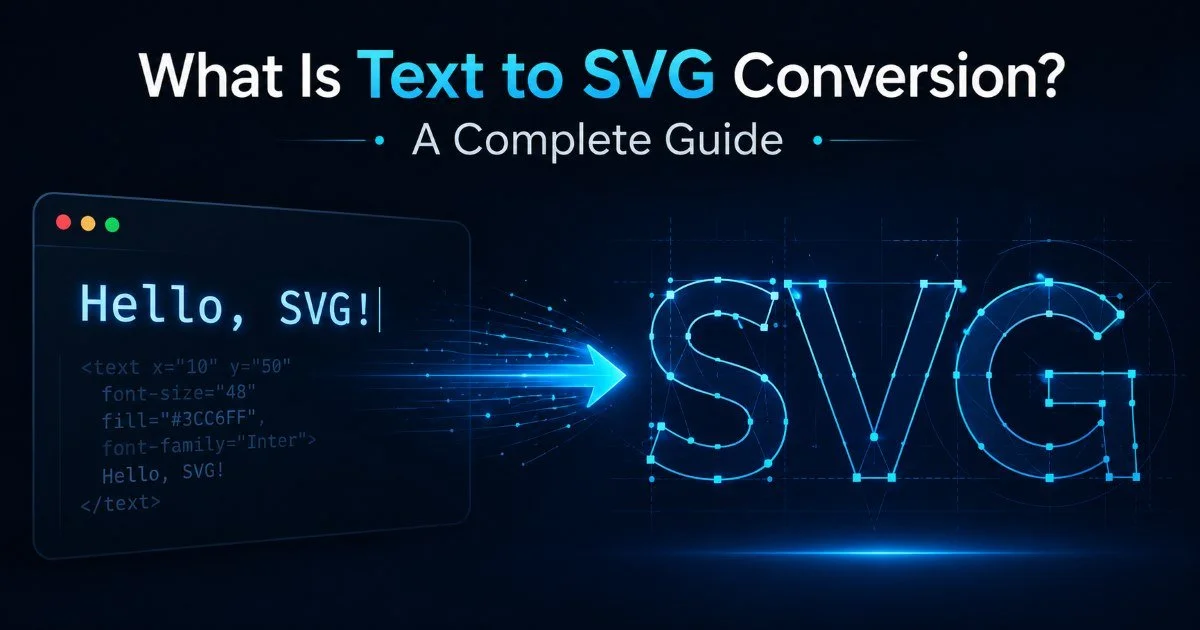
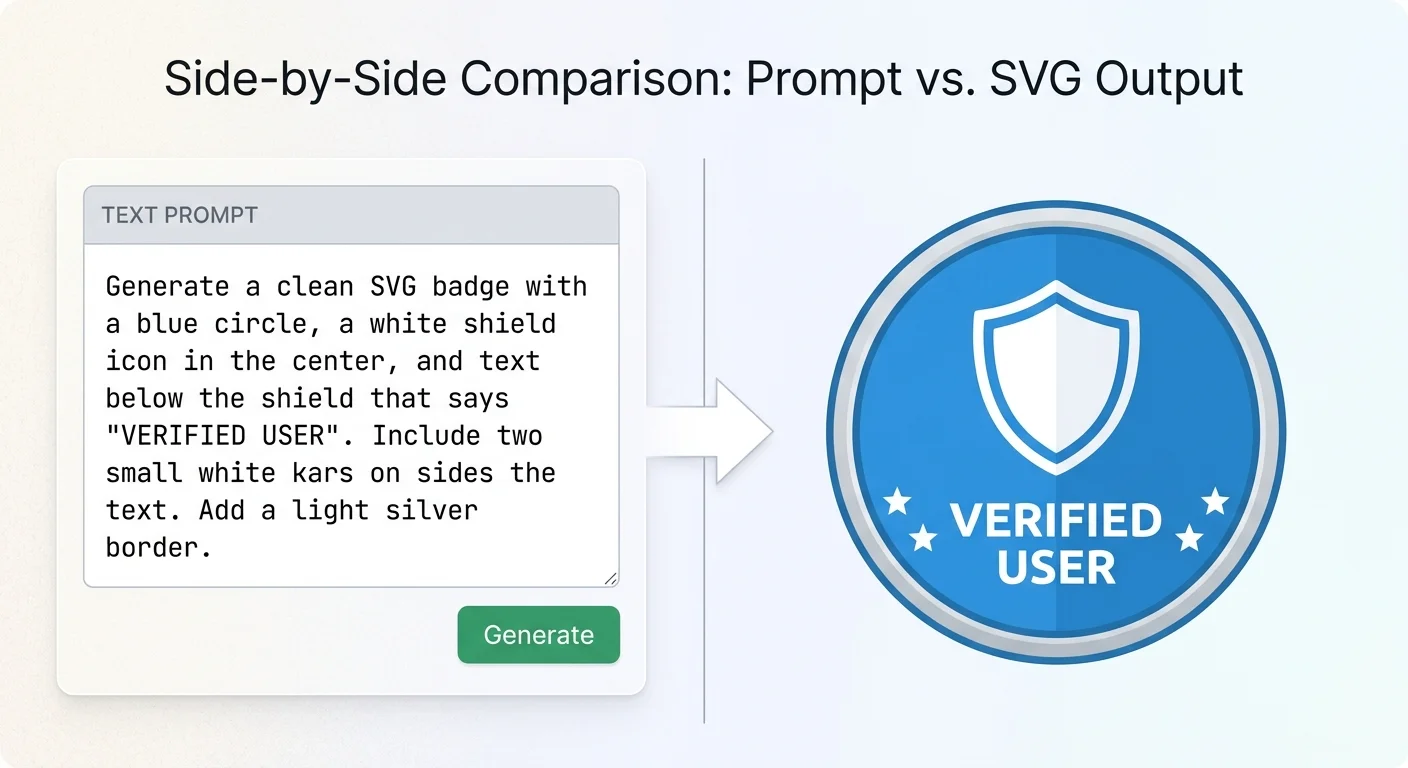
The process begins when you provide a text prompt describing the visual you need. A text to SVG conversion tool parses that input, identifying key elements like shape types, color preferences, layout structures, and textual content. For example, typing "red circular badge with white text saying SALE" gives the system concrete parameters to work with. The parsing layer extracts semantic meaning from your description and maps it to SVG primitives like circles, rectangles, paths, and text elements.
More advanced systems use AI models trained on large datasets of SVG code and visual descriptions. Recent research in computational design has explored how language models can reliably generate structured vector output from natural language. These models understand spatial relationships ("icon on the left, label on the right") and stylistic cues ("minimalist," "outlined," "filled"). The result is an interpretation layer that bridges the gap between how humans describe visuals and how SVG markup actually represents them.
SVG output quality varies significantly between tools. Always inspect the generated code for clean structure and unnecessary elements before using it in production.
Rendering the Vector Output
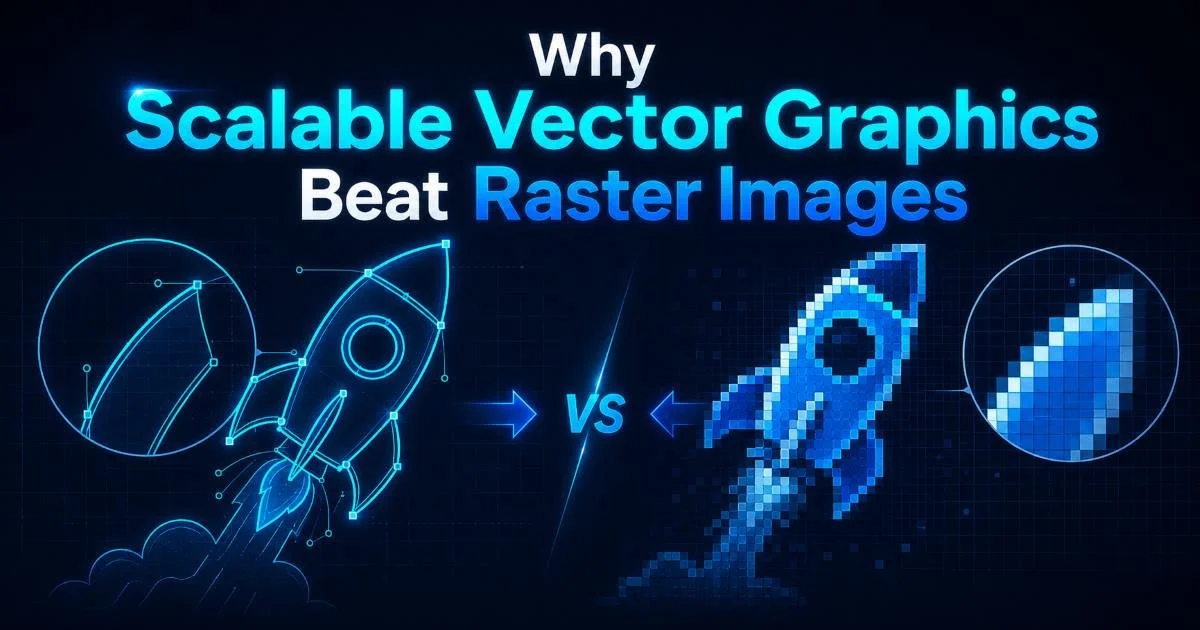
Once the system interprets your prompt, it generates SVG markup, an XML-based format that defines shapes, colors, and positions mathematically. Unlike raster images, these graphics scale to any size without quality loss. The rendering step translates abstract design intent into concrete SVG elements: <rect>, <circle>, <path>, <text>, and <g> groups. A well-built SVG generator optimizes this output by removing redundant attributes, applying proper viewBox dimensions, and structuring elements logically.
The output typically arrives as raw SVG code you can paste directly into HTML, save as a standalone file, or import into design tools for further refinement. Some tools also offer options like stroke width control, color palette selection, and responsive sizing parameters. This flexibility means the plain text to vector pipeline doesn't end at generation; it feeds directly into your existing workflow without format conversion overhead.
When using generated SVGs in production, always add descriptive title and desc elements inside the SVG for screen reader accessibility.
Why It Matters for Web Designers and Developers
Speed and Workflow Efficiency
Creating visual assets has traditionally been one of the slower parts of front-end development. Even simple icons or badges require opening a design application, creating the graphic, exporting it, and then integrating it into code. Text to SVG conversion compresses that entire workflow into a single step. You type a description, receive SVG code, and drop it into your project. For prototyping, this speed advantage is massive; you can generate placeholder graphics and UI elements in seconds rather than minutes.
This matters especially in agile environments where design iterations happen fast. If a stakeholder wants to see three different badge styles during a sprint review, generating them from text prompts takes a fraction of the time compared to manual creation. The approach also democratizes basic graphic creation, letting developers who aren't design specialists produce clean visuals without waiting on a designer's availability. It's not about replacing design expertise; it's about removing bottlenecks for straightforward visual tasks.
"Text to SVG conversion doesn't replace designers; it frees them from the repetitive work that never needed their expertise in the first place."
Performance and Accessibility Benefits
SVGs generated from text descriptions are inherently lightweight compared to PNG or JPEG alternatives. A typical icon SVG might weigh 500 bytes to 2KB, while an equivalent PNG at multiple resolutions could consume 10KB to 50KB. This file size difference compounds across a site with dozens of icons, badges, and decorative elements. Since SVGs are code, they also compress well with gzip, further reducing transfer sizes. For performance-focused developers, this is a meaningful win.
Accessibility is another strong point. Because SVGs are XML-based, they support embedded text, ARIA attributes, and semantic structure that raster images simply cannot match. A badge generated from a text to diagram prompt can include readable text nodes rather than visual-only content, making your interface more usable for people relying on assistive technologies. This aligns well with WCAG guidelines and modern inclusive design practices.
Real Examples and Practical Use Cases
Common Output Types
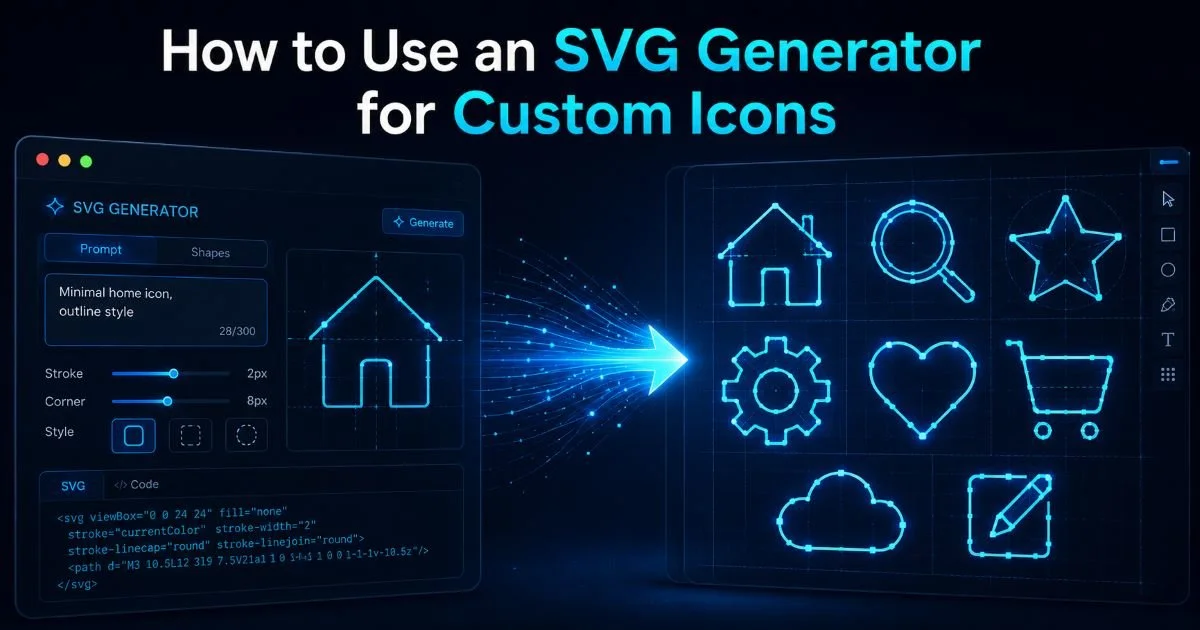
The most straightforward application is generating SVG icons from text. Describing "a house outline icon with a chimney, 24px style, single stroke weight" produces a usable icon suitable for navigation menus or feature lists. Similarly, prompts like "horizontal progress bar at 75%, green fill, rounded corners" yield functional UI components. Badge generation is another popular use case: think notification dots, status indicators, certification labels, and category tags, all created through descriptive text input.
Diagrams represent a more sophisticated output category. A text to diagram workflow lets you describe flowcharts, organizational hierarchies, or simple architecture diagrams in plain language. While the results won't match dedicated diagramming tools for complex visuals, they work well for documentation, blog posts, and internal presentations. Layout generation, where you describe a basic wireframe or component structure, is also gaining traction among developers who need quick visual references during planning phases.
| Output Type | Example Prompt | Typical Use Case |
|---|---|---|
| Icon | "Outlined mail envelope, 24px grid" | Navigation, feature lists |
| Badge | "Round green badge with checkmark" | Status indicators, certifications |
| Label | "Rectangular tag with 'NEW' text, blue" | Product cards, announcements |
| Diagram | "Three-step flow: Input, Process, Output" | Documentation, presentations |
| Chart | "Simple bar chart with 4 colored bars" | Data visualization, dashboards |
| Layout | "Two-column card with image placeholder left" | Wireframing, prototyping |
Integration Scenarios
In practice, developers integrate generated SVGs into component libraries, design systems, and static site generators. A React or Vue component can accept inline SVG output directly, making the generated code immediately usable. Teams building HTML content using AI tools often combine text-generated markup with text-generated SVGs for a fully automated content pipeline. This pairing accelerates everything from landing page creation to email template design.
Another practical integration involves build pipelines. You can script SVG generation as part of your CI/CD process, automatically producing updated status badges, version labels, or environment indicators with each deployment. This vector graphics tool approach works well for open-source projects that display build status, coverage percentages, or dependency health badges in their README files. The automation potential extends naturally to documentation sites where diagrams need to stay synchronized with code changes.
Store generated SVG code in your component library as reusable snippets rather than static files for easier theming and maintenance.
Common Misconceptions and Related Concepts
What It Is Not
The most common misconception is that text to SVG conversion produces illustration-quality artwork. It does not. Complex illustrations with organic shapes, detailed shading, and artistic nuance remain the domain of skilled designers using professional tools. What this technology handles well are structured, geometric, and typographic visuals: the practical graphics that make up the bulk of web interface assets. Expecting photorealistic output from a text prompt will lead to disappointment; expecting clean, functional UI graphics will not.
Another misunderstanding involves confusing SVG text rendering with SVG generation. Simply wrapping a string in an <svg><text> element is not the same as intelligently converting a text description into a composed visual. True text to SVG conversion interprets intent and produces multi-element compositions. Some people also confuse this with speech to text conversion, which is an entirely different domain focused on audio transcription rather than visual generation.
Never use generated SVGs for security-sensitive elements like CAPTCHAs or authentication badges without thorough review of the markup for injection vulnerabilities.
How It Relates to Similar Tools
Text to SVG conversion occupies a specific niche within the broader ecosystem of generative design tools. Image generation models like DALL-E and Midjourney produce raster output, which requires tracing or manual conversion to get vector files. Dedicated diagramming tools like Mermaid.js use structured syntax rather than natural language. Code-based SVG libraries like D3.js offer programmatic control but require JavaScript expertise. The plain text to vector approach sits between these, offering natural language input with structured vector output.
Design tokens and theming systems also intersect with this space. When an SVG generator produces output that references CSS custom properties for colors and dimensions, the generated graphics become part of your design system rather than standalone assets. This interoperability is what makes text-generated SVGs practical for production use rather than just novelty experiments. The technology works best when treated as one tool among many, filling a specific gap in the asset creation pipeline where speed and simplicity matter most.
Frequently Asked Questions
?How specific do my text prompts need to be for good SVG output?
?Can text to SVG tools replace Figma or Illustrator for complex work?
?How long does it actually take to generate a usable SVG from a text prompt?
?What's the biggest mistake people make when using generated SVG in production?
Final Thoughts
Text to SVG conversion is a practical, well-defined process that turns natural language descriptions into production-ready vector graphics. It works best for structured visuals like icons, badges, labels, and simple diagrams, precisely the assets that consume disproportionate time in typical web development workflows.
The technology won't replace your design team, but it will free them to focus on work that actually demands their creative expertise. For web designers and developers looking to streamline asset creation without sacrificing quality, this approach deserves a serious look and a spot in your standard workflow.
Disclaimer: Portions of this content may have been generated using AI tools to enhance clarity and brevity. While reviewed by a human, independent verification is encouraged.